Add Skill to Your AI Agent on Linux
Lately I've been using an Agentic AI coding assistant called OpenCode. While it's excellent for writing backend code, debugging, and automating repetitive tasks, I noticed one recurring problem: whenever I asked it to implement a UI design, the results were often disappointing. The layouts were inconsistent, spacing felt off, and the overall user experience wasn't what I expected.
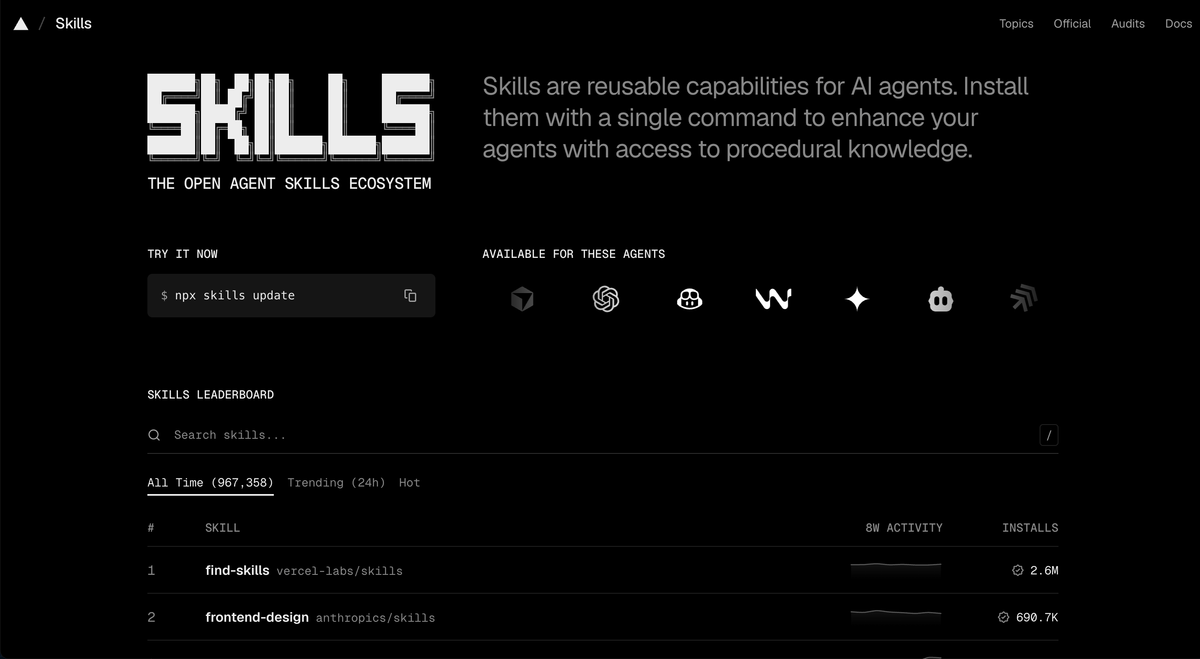
After doing some research, I discovered Skills.sh.
Skills.sh is a community-driven repository containing thousands of reusable skills that can be installed on your computer. These skills provide your coding agent with additional domain knowledge and standardized workflows, allowing it to perform specific tasks much better than relying on the base model alone.
For example, you can install skills for:
- UI/UX implementation
- React and Next.js best practices
- Kubernetes
- Docker
- DevOps
- Networking
- Security auditing
- Infrastructure as Code
- Testing and code review
Instead of repeatedly writing long prompts, your coding agent can automatically load these skills whenever they're relevant, producing more consistent and higher-quality results.
Installing Skills.sh on Linux
The installation process is straightforward. First, clone the Skills.sh repository to your VPS or local Linux machine.
mkdir -p ~/.agents
cd ~/.agents

git clone https://github.com/skills/skills.git
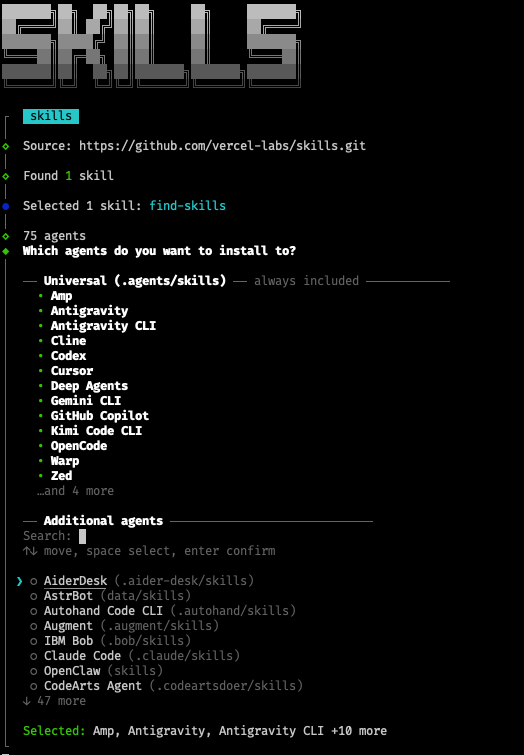
This creates a local repository containing all available skills.
~/.agents/
└── skills/
    ├── react/
    ├── nextjs/
    ├── docker/
    ├── kubernetes/
    ├── networking/
    └── ...
Install the Skills into OpenCode
OpenCode loads skills from its configuration directory:
~/.config/opencode/skills/
There are two ways to install skills.
Option 1: Copy the Skills
If you only want a few specific skills, simply copy them into OpenCode's skills directory.
mkdir -p ~/.config/opencode/skills

cp -r ~/.agents/skills/react ~/.config/opencode/skills/
cp -r ~/.agents/skills/nextjs ~/.config/opencode/skills/
This creates an independent copy of each skill.
Option 2: Create Symbolic Links (Recommended)
Personally, I recommend using symbolic links instead of copying files. This way, you only maintain one copy of the repository, and every git pull immediately updates the skills available to OpenCode.
mkdir -p ~/.config/opencode/skills

ln -s ~/.agents/skills/react ~/.config/opencode/skills/react
ln -s ~/.agents/skills/nextjs ~/.config/opencode/skills/nextjs
If you want to make every skill available, you don't need to create links one by one.
mkdir -p ~/.config/opencode/skills

for skill in ~/.agents/skills/*; do
    ln -s "$skill" ~/.config/opencode/skills/
done
This automatically creates a symbolic link for every skill in the repository.
Keeping Your Skills Up-to-Date
Updating your skills is as simple as pulling the latest changes.
cd ~/.agents/skills
git pull
If you're using symbolic links, OpenCode will immediately use the updated versions the next time it loads the skills.
Verify the Installation
Finally, verify that OpenCode can see the installed skills.
ls -l ~/.config/opencode/skills
You should see output similar to:
react -> /home/user/.agents/skills/react
nextjs -> /home/user/.agents/skills/nextjs
docker -> /home/user/.agents/skills/docker
networking -> /home/user/.agents/skills/networking
At this point, your coding agent has access to a much larger set of specialized knowledge. In my experience, this noticeably improved the quality of generated UI components, code structure, and adherence to framework best practices. While no AI agent is perfect, giving it the right skills significantly reduces the amount of manual corrections needed afterward.
Note
If you're using the latest version of OpenCode, you no longer need to copy or symlink skills into~/.config/opencode/skills.
OpenCode now natively supports the Agent Skills specification and automatically discovers skills from the following locations:Project-level:.agents/skills/Global:~/.agents/skills/
This means you can simply clone the Skills.sh repository into~/.agents/skills(or create your own skills there), and OpenCode will automatically discover and load them when they're relevant to your task. There's no additional configuration required.
The older~/.config/opencode/skillsdirectory is still supported for backward compatibility, but for new installations, using.agents/skillsis the recommended approach.
Comments ()